
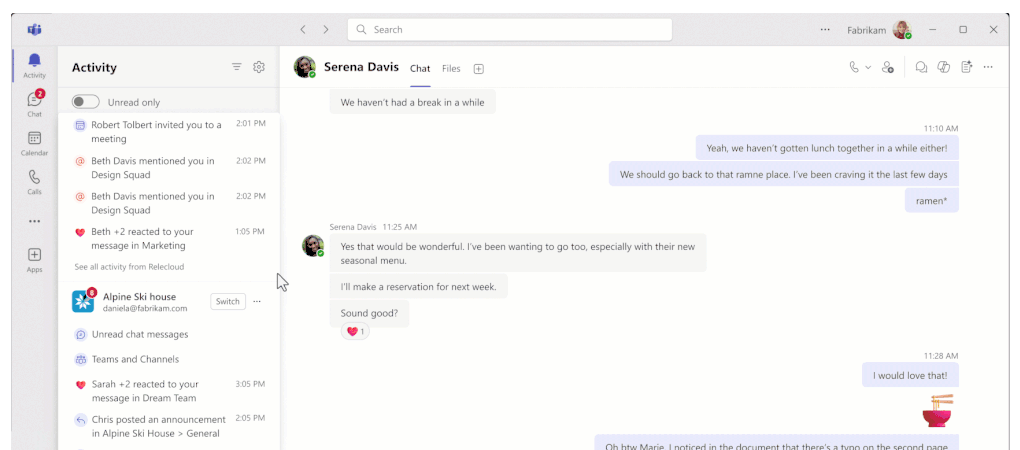
May 2026 is a strong month for Microsoft Teams, not because everything is flashy, but because several updates make Teams more useful in three concrete areas: calling, frontline work, and protection of information in everyday collaboration.
Teams Phone gets closer to real operating workflows
Microsoft keeps expanding calling in Teams with features that better match how many roles actually work. The clearest update this time is Copilot call delegation, available through the Frontier program for customers with Microsoft 365 Copilot. It can answer incoming calls, capture context, identify urgency, and book follow-ups through Microsoft Bookings. It is still an early capability, but it shows where Teams Phone is heading, from basic telephony to AI-assisted call triage.
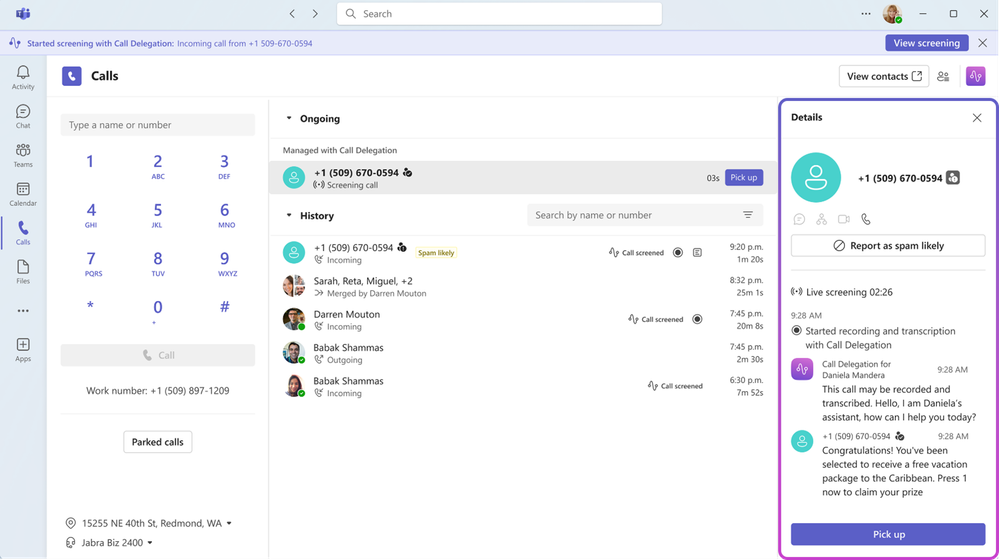
Read more on Microsoft Tech Community about Copilot call delegation
Frontline capabilities become easier to roll out and more practical to use
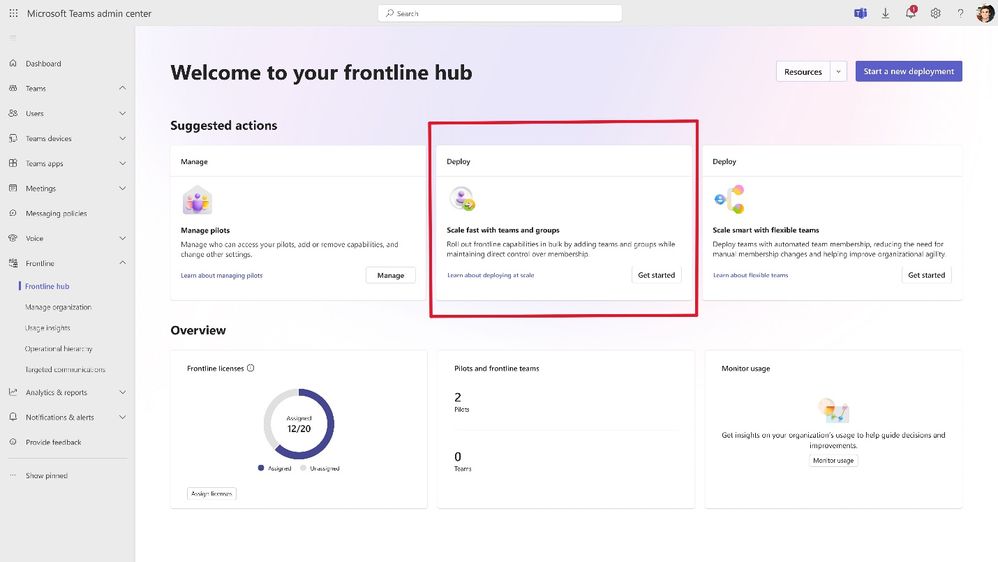
For organisations with stores, healthcare teams, warehouses, or production staff, the frontline updates are one of the most important parts of the month. Microsoft is adding a guided deployment flow in the Teams admin center, so pilots can be scaled to more workers with shared apps and configuration. At the same time, Shifts gets smarter auto-assignment of open shifts, Teams gets a new Communicator app for operational updates, and Frontline Agent gets voice-driven site walkthroughs.
That is a clear sign that Teams is not being positioned only as an office collaboration tool. Microsoft wants the same platform to support communication, operations, and follow-up work out in the field as well.
Read more on Microsoft Tech Community
April’s broader Teams update sharpens collaboration and information protection
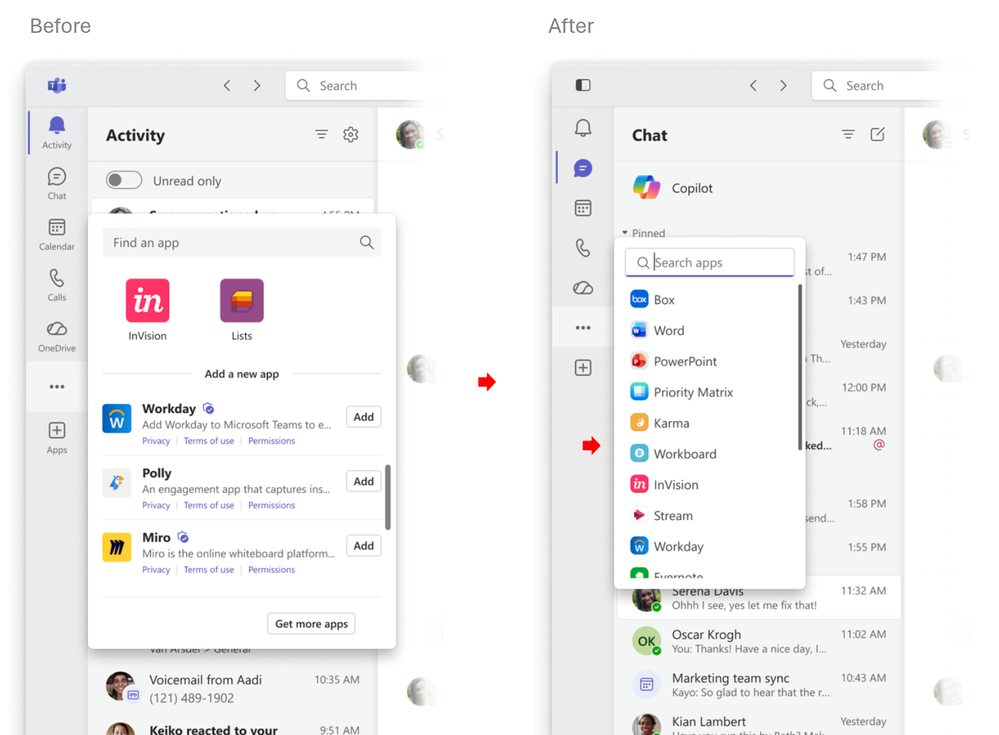
This month’s main “What’s New in Teams” post also collects several smaller but important improvements. On the collaboration side, Microsoft adds targeted messages for agents, a simplified app bar, and new quick views in the chat list. Meetings get better support for interpretation, correct transcript attribution when sign-language interpreters are involved, and a resizable video gallery during screen sharing.
On the governance side, recordings and Loop notes now inherit sensitivity labels from the meeting, and administrators get stronger visibility into unusual external domains and user-reported security signals. These are not the loudest updates in the release, but they are exactly the sort of changes that make Teams more durable in larger organisations.
Read more on Microsoft Tech Community