
Since the previous June roundup, Microsoft has published three updates that point in the same direction: SharePoint should feel clearer, Teams Phone should handle more routine calls, and the Microsoft 365 platform keeps becoming a home for business apps. For organizations already using Teams and SharePoint, these are less like separate product announcements and more like another step toward doing more work inside Microsoft 365.
SharePoint gets a cleaner and more consistent interface
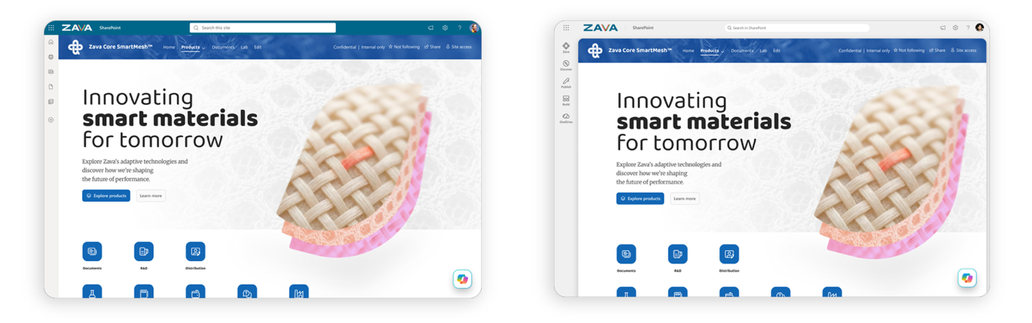
Microsoft is rolling out a visual refresh for SharePoint with more spacing, a clearer content canvas, more neutral app surfaces, adjusted typography, and rounder corners. The goal is not to change site structure or customer branding, but to reduce interface noise and make pages, libraries, and navigation easier to read. Read more on Microsoft Tech Community.
For many intranet owners, the key point is that existing content and workflows should keep working. Microsoft also says the change has no impact on existing SPFx extensions. That makes the update more like a design adjustment than a new SharePoint project. It can still change how home pages, news pages, and libraries feel, especially if the organization has built a lot of visual identity around older SharePoint surfaces.
Teams Phone Agent targets recurring customer calls
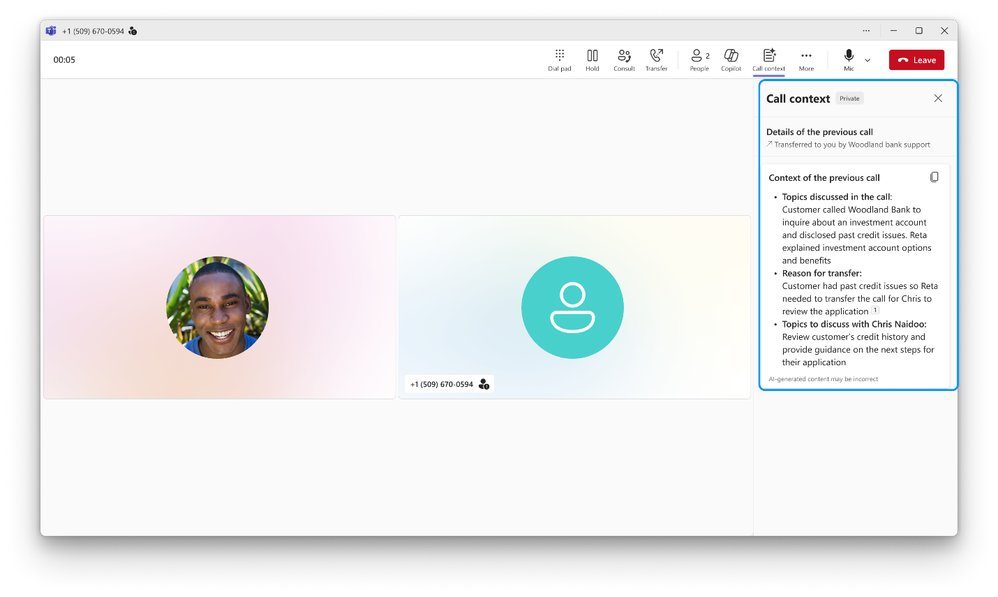
Microsoft has introduced Teams Phone Agent and support for custom voice agents built in Copilot Studio. The feature is aimed at organizations that receive many recurring calls, such as healthcare clinics, bank branches, service companies, or support teams. The agent can answer questions from configured knowledge sources, help with booking and rescheduling, and route calls to the right person or queue with the context retained. Read more on Microsoft Tech Community.
The update is available through Microsoft’s Frontier program. Organizations should treat it as an early preview feature, not something to roll out broadly without control. The practical question is which calls are suitable for automation. Opening hours, appointments, simple status questions, and recurring requests can be good candidates. Calls that need sensitive judgment, exception handling, or a strong customer relationship still need clear paths to a person.
Business apps move closer to Microsoft 365
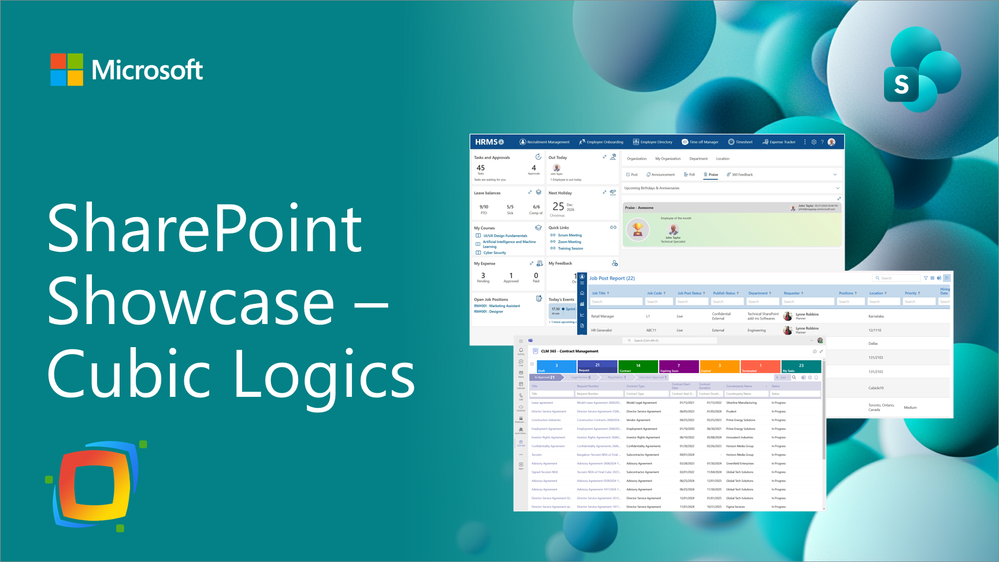
Microsoft’s article about Cubic Logics shows how vendors build business apps on top of Microsoft 365. The example is Apps365, with apps for contracts, HR, helpdesk, assets, learning, expenses, and other internal processes. The point is that users can work in tools they already know, while the organization can use SharePoint, Teams, Power Automate, security features, and Copilot as the technical base. Read more on Microsoft Tech Community.
This is not a new standard Microsoft feature, but it says something about the direction. Many companies want fewer separate systems for internal processes. When apps are built close to Microsoft 365, governance, permissions, documents, and collaboration can be easier to keep together. At the same time, the requirements for information architecture and ownership increase. If SharePoint and Teams become the base for more business processes, the organization also needs to know who owns structure, lifecycle, and data.
What should Microsoft 365 customers do with this?
The common thread is that Microsoft keeps turning Teams and SharePoint into workspaces where more processes can happen directly. SharePoint gets calmer visually, Teams Phone gets AI support for recurring calls, and partner solutions use Microsoft 365 as the base for business apps. That can reduce the number of separate tools, but only if the foundation is in order.
For IT and business owners, the practical starting point is simple: review which SharePoint surfaces will be affected by the new look, choose a few clear call types before testing voice agents, and decide which internal processes actually belong in Microsoft 365. That makes the updates easier to use without creating more clutter.